Know who is out after curfew
Your gate cameras and Hikvision face terminals note who comes in and who goes out. See who is still out after curfew, and text their guardian. Faces are used only with recorded consent, and video stays at the hostel.
Chatrabas.app is the system Ideal Hostel uses every day: gate cameras that note who comes in and goes out, an app where parents see their child’s in/out times and dues, and a kitchen that knows how many are eating tonight. Every hostel can now use all of it, free. Only IRD e-billing is paid.
Desktop app for Windows and Linux that works offline · Phone app for owners on the go
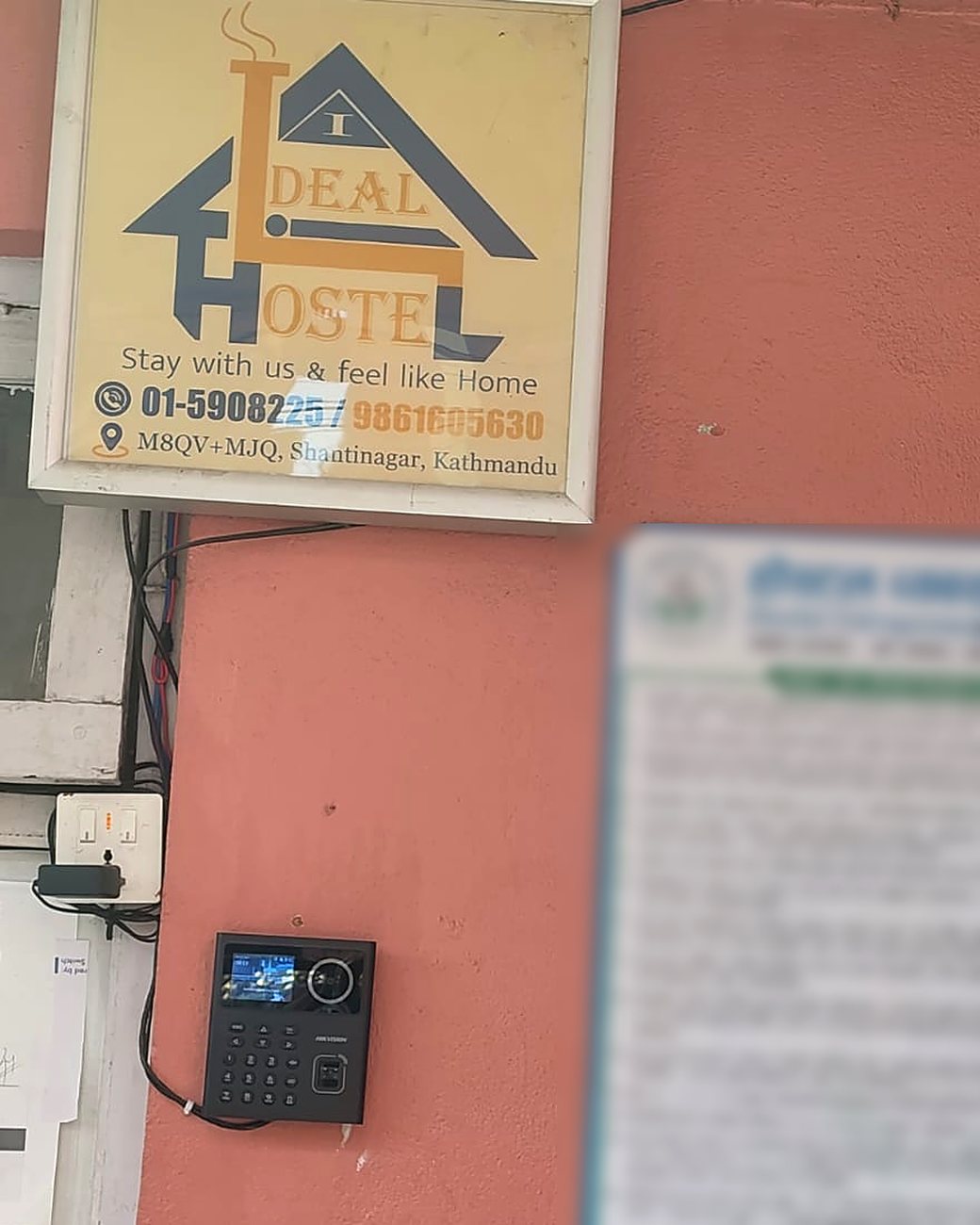
Your gate cameras and Hikvision face terminals note who comes in and who goes out. See who is still out after curfew, and text their guardian. Faces are used only with recorded consent, and video stays at the hostel.
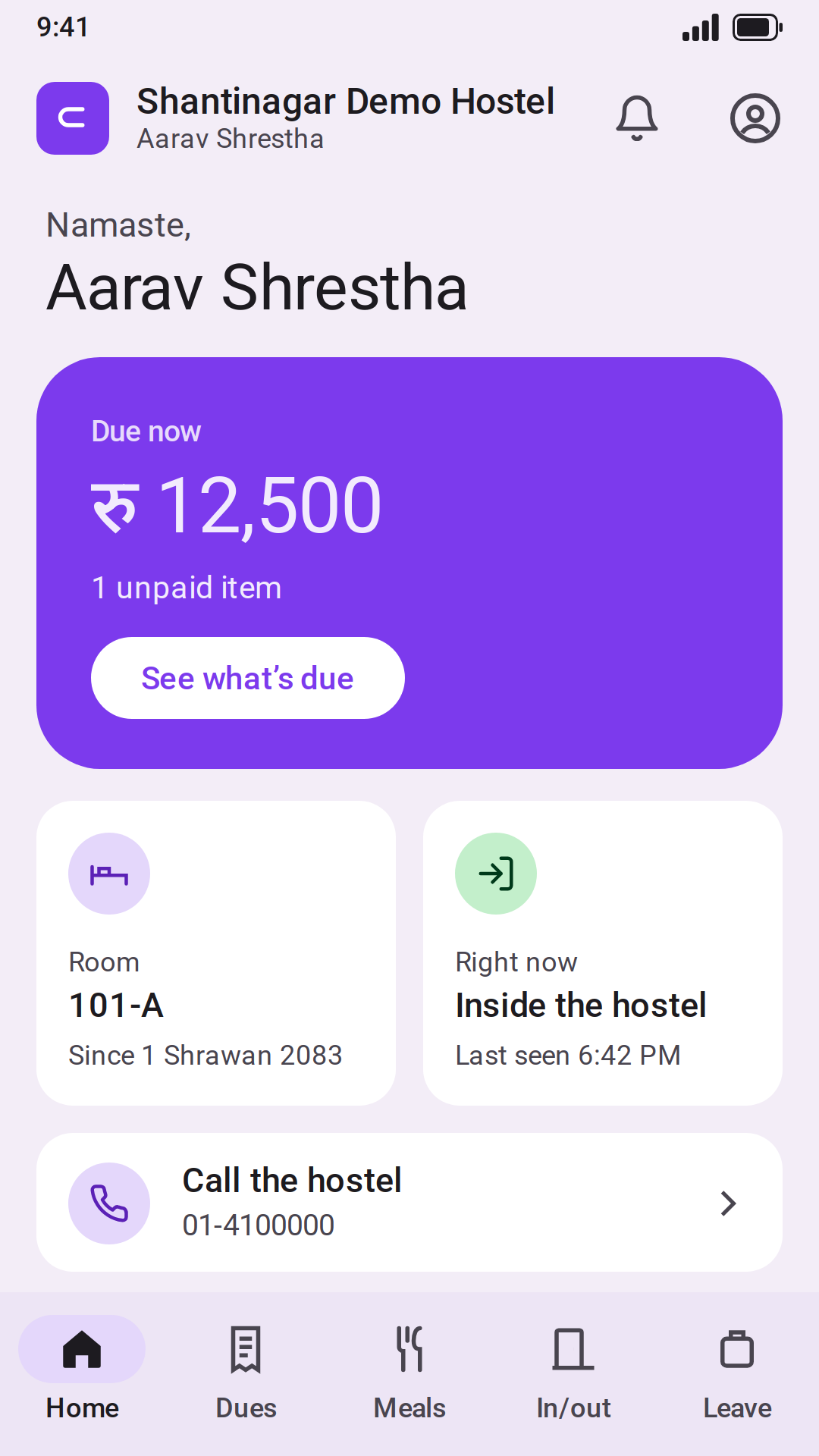
In the Chatrabas.app phone app, parents see when their child came in or went out, their dues and payments. Students ask for leave there.
Students turn off a meal they’ll skip, and approved leave is counted. The kitchen screen shows how many to cook for each meal, with the week’s menu.
See every free bed in every branch. Hold a bed for a student who has booked.
Keep each student’s documents, guardian phone numbers and room history on one profile.
Add the monthly charges for all students at once. Record cash, eSewa, Khalti, Fonepay and connectIPS payments, and see who still owes.
Run monthly payroll with SSF and TDS worked out. Staff arrival and leaving times come from the gate.
Know how many mattresses, blankets and gas cylinders are in each store and room.
A website at yourname.chatrabas.app or your own domain, with free beds, photos, house rules and an enquiry form, listed in Chatrabas.app search.
Students and parents use the Chatrabas.app phone app. They sign in with a code sent to their mobile number or email, the one your hostel has for them. They can see dues, payments and attendance, and ask for leave.
Your hostel’s own pageEvery hostel gets a page at yourname.chatrabas.app, or on its own domain. It shows free beds, photos, house rules and an enquiry form.
The Chatrabas.app desktop app keeps working on the hostel computer when the internet is down. Everything done offline waits safely on the computer and goes up to Chatrabas.app in order as soon as the connection is back. Nothing to copy, nothing lost.
Staff open it with their own PIN, also offline. The full dashboard (new students, rooms, monthly dues, payroll) needs the internet.
Version 0.7.8. On Ubuntu or Debian: sudo apt install ./chatrabas-app_0.7.8_amd64.deb. Windows may warn about an unknown publisher: choose More info → Run anyway.
Owners and their team use the same Chatrabas.app phone app as students and parents. Sign in with your number or email and a code, and the app opens your hostel.
Using Chatrabas.app is free. Only IRD e-billing (tax invoices) will be charged, once it is available. See pricing
Register and add your branches, rooms and beds.
Add your students, or let them request a bed from your page.
Start recording charges and payments.